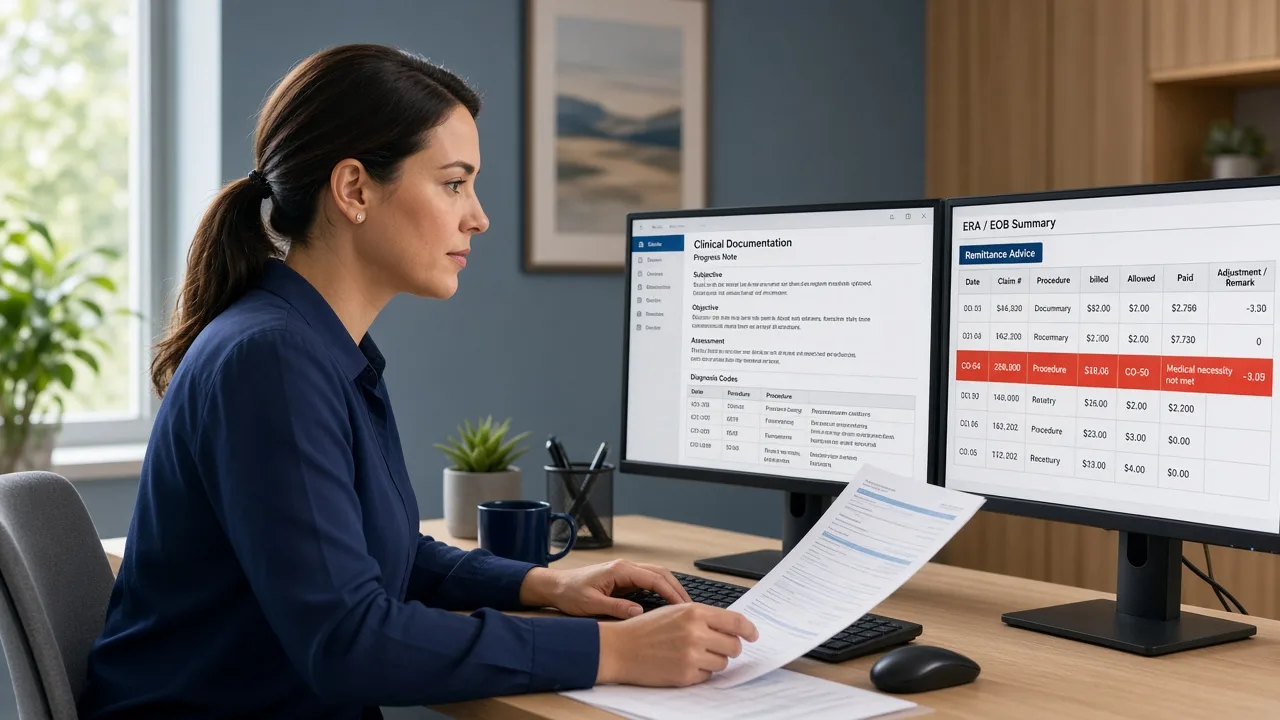
A second claim for the same service does not create second payment. It usually creates a denial, a delay, and another round of follow-up work.
Duplicate claims are one of the most common and most preventable problems in medical billing. They happen when systems resubmit too quickly, staff rebill without checking status, clearinghouse retries overlap, or corrected claims are sent as brand-new originals. Payers catch many of them instantly. What they do not catch is the staff time and A/R aging those duplicates leave behind.
This guide explains why duplicate claims happen in medical billing, how to prevent them, and how to clean up the workflow before repeat submissions hurt cash flow.
Quick Answer
A duplicate claim is a submission that matches a claim the payer already received or processed for the same patient, provider, date of service, and service lines closely enough to be treated as a repeat.
To reduce duplicate claim denials:
- Check claim status before rebilling
- Use corrected claim indicators when replacing an original
- Stop automatic resubmits until status is confirmed
- Separate no-response follow-up from true rebills
- Reconcile clearinghouse acceptance reports daily
- Train staff not to “send again” as a default fix
- Track duplicate denials by payer, user, and cause
Duplicates are usually a process failure, not a payer mystery.
Table of Contents
- What Duplicate Claims Mean
- Why Duplicate Claims Happen
- How Payers Detect Duplicates
- How to Prevent Duplicate Claims
- Duplicate Claims Checklist
- When Support May Help
- FAQs
What Are Duplicate Claims in Medical Billing?
A duplicate claim is a repeat submission that looks enough like an earlier claim for the payer to reject or deny it as already received or already adjudicated. Exact matches are obvious. Near-matches can also trigger duplicate logic when patient, provider, date of service, and CPT lines overlap.
Duplicate issues usually show up as:
- Rejection or denial for duplicate submission
- Zero-pay remittances on a second claim while the first is still pending
- Confused A/R where two claim numbers exist for one service
- Wasted follow-up on balances that were never truly unpaid
This problem connects to claim scrubbing, claim rejection vs denial, A/R follow-up, payment posting, and broader revenue cycle management.
Why Duplicate Claims Happen
Common causes include:
- Rebilling without status checks: staff resubmit because payment is slow
- Corrected claims sent as new originals: replacements are not marked correctly
- Clearinghouse or system retries: timeouts create a second transmission
- Multiple billers touching the same account: no ownership lock on the claim
- Charge recapture mistakes: the same encounter is billed twice from different workqueues
- Secondary billed as another primary: COB confusion creates overlapping submissions
- No accepted-claim control: acceptance reports are not reconciled before follow-up
These errors inflate denial volume and hide true unpaid work. Related reading: charge capture, coordination of benefits, and denial management.
How Payers Detect Duplicate Claims
Payers typically compare key claim elements such as:
- Patient identifiers
- Billing and rendering provider
- Date of service
- Procedure codes and units
- Place of service
- Prior claim or internal control numbers
If those elements align too closely with a claim already on file, the second submission is treated as a duplicate even when the office meant it as a status nudge or correction. That is why “just send it again” is one of the fastest ways to create preventable denials.
How to Prevent Duplicate Claims Before They Hit A/R
1. Check Status Before Any Resubmission
Before rebilling, confirm whether the original claim was accepted, rejected, pending, paid, or denied. No-response follow-up is not the same as a rebill. See A/R follow-up.
2. Use Corrected Claim Workflows, Not Blind Resends
If the original claim needs a fix, submit it as a corrected claim according to payer rules. Sending a brand-new original for the same service is a classic duplicate trigger.
3. Reconcile Clearinghouse Acceptance Daily
Know which claims were accepted, rejected, or never acknowledged. Duplicate risk rises when teams rebill claims that already cleared the front door.
4. Assign Claim Ownership
One open claim should have one owner. Shared workqueues without locks create double touches and double submissions, especially on high-dollar aged accounts.
5. Scrub for Prior Claim Presence
Build scrub or workqueue checks that ask:
- Was this encounter already billed?
- Is there an open claim for the same DOS and CPT set?
- Is this a correction, a secondary, or a true new claim?
Pair this with stronger claim scrubbing and cleaner clean claim rate controls. Radiant RCM's Medical Billing Services, Revenue Cycle Consulting, and related support help practices stop repeat submissions and recover cleaner first-pass payment.
6. Track Duplicate Denials as a Root-Cause Metric
Review duplicates weekly by:
- Payer
- User or workqueue
- Corrected vs original mishandling
- No-response rebill behavior
If the same cause repeats, fix the process. Do not just appeal or write off the denial. Use this in your revenue cycle KPI reviews.
Duplicate Claims Checklist
Use this checklist before rebilling or releasing a second claim:
- Confirm the original claim status first
- Verify clearinghouse acceptance or rejection details
- Decide whether the next action is follow-up, correction, secondary, or true new billing
- Use corrected claim indicators when replacing an original
- Avoid automatic resubmits on pending claims
- Check for an existing open claim on the same DOS and CPT set
- Assign one owner to the account
- Document why a second submission is required
- Track duplicate denials by cause each week
- Retrain teams that default to “send again”
When Outside Support May Help
Your practice may need help when:
- Duplicate denials keep rising month after month
- Staff rebill pending claims as a habit
- Corrected claims are routinely sent as new originals
- A/R contains multiple claim numbers for one encounter
- Clearinghouse acceptance is not reconciled daily
- Internal teams lack bandwidth to redesign follow-up rules
Radiant RCM supports healthcare practices with medical billing, denial management, A/R follow-up support, and revenue cycle consulting.
Sensitive patient and insurance information should only be shared through approved and secure channels. Learn more about Radiant RCM's HIPAA compliance and information-handling approach.
Final Thoughts
Duplicate claims in medical billing rarely create extra revenue. They create extra work. The fix is process discipline: check status, correct properly, own the claim, and stop blind resubmission.
When those habits stick, denial noise drops, A/R gets clearer, and staff spend time on true unpaid balances instead of chasing claims the payer already has.
If duplicate denials are clogging your workqueues, Radiant RCM can help. Request a demo to see how our billing workflows prevent repeat submissions and protect cash flow.
Frequently Asked Questions
What is a duplicate claim in medical billing?
A duplicate claim is a submission that closely matches a claim the payer already received or processed for the same patient, provider, date of service, and service details.
Why do payers deny duplicate claims?
Payers deny them to avoid paying twice for the same service and to stop repeat submissions that do not represent new billable work.
Is rebilling the same as sending a corrected claim?
No. Rebilling often means sending another original. A corrected claim replaces or updates the original under payer rules and should be marked accordingly.
How can practices prevent duplicate claim denials?
Check claim status before resubmitting, reconcile acceptance reports, use corrected claim workflows, assign claim ownership, and stop automatic resends on pending claims.
Do duplicate claims hurt more than just denial rate?
Yes. They waste staff time, clutter A/R, confuse payment posting, and delay work on truly unpaid balances.
Can a billing partner reduce duplicate submissions?
Yes. Experienced teams can redesign follow-up rules, tighten corrected claim handling, and reduce repeat submissions that create preventable denials.
Privacy Notice: Please do not submit patient records, insurance information, medical details, claim files, or other protected health information through the public website form. Review the Radiant RCM Privacy Policy before submitting an inquiry.
This article provides general operational information. Payer duplicate logic, corrected claim indicators, and resubmission rules differ by plan. Confirm current payer criteria before changing your workflow.